
Make time for focus.
Set your own work and break lengths. With Full access, choose which sites to pause while you work. They’ll be open again on your break.
Focus session25:005-minute break next

Average weekly time on social and video platforms per user in GWI’s survey.
GWI · Digital 2026One quick detour, six times a day, adds up to half an hour.
That’s what half an hour a day adds up to over a week.
Experiments found that changing tasks took longer as the rules got more complex.
Rubinstein, Meyer & EvansSet your own work and break lengths. With Full access, choose which sites to pause while you work. They’ll be open again on your break.
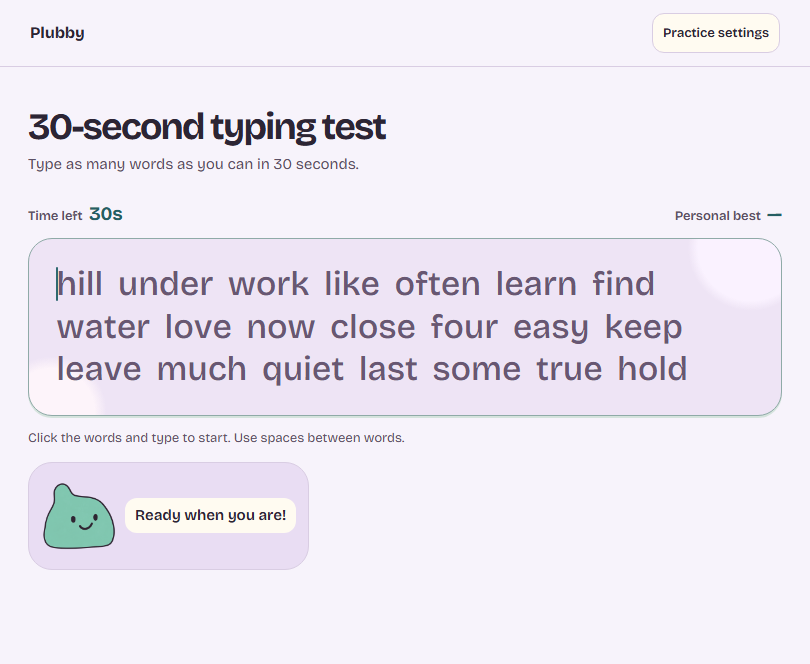
Choose a distracting site. Solve a chess puzzle, take a typing test, or review your Anki cards to unlock it for a little while.
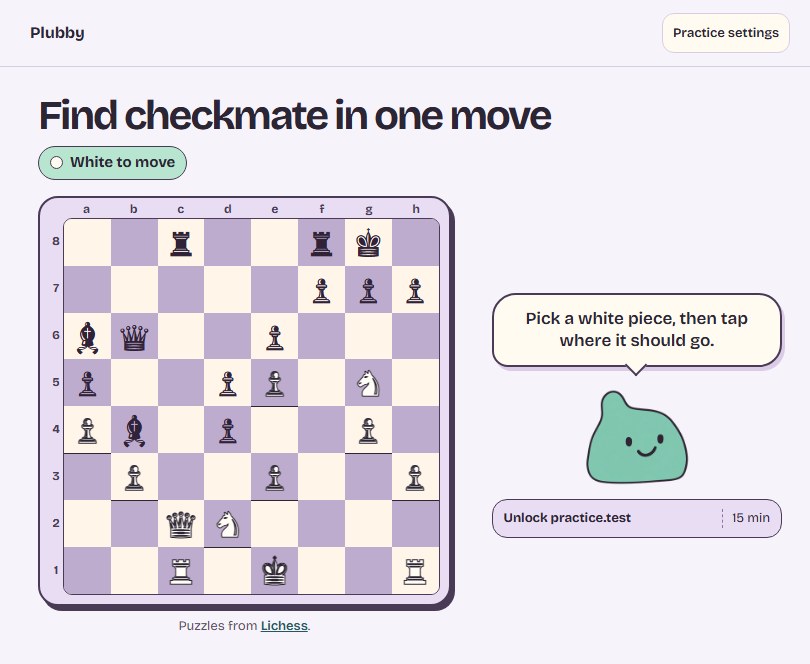
Finish a focus session or unlock a site with practice to earn buddy points. As you and Plubby get closer, the bowl fills up.

Yes. The Pomodoro timer is available on the Free plan. You can use it without blocking any sites.
Only for flashcard reviews. For those, connect Anki Desktop with the AnkiConnect add-on. Chess, typing, and the timer work on their own.
Plubby is in private beta for desktop Chrome and Edge. The public store link will appear here once it’s ready.
Coming to desktop Chrome and Edge.
Download coming soon